
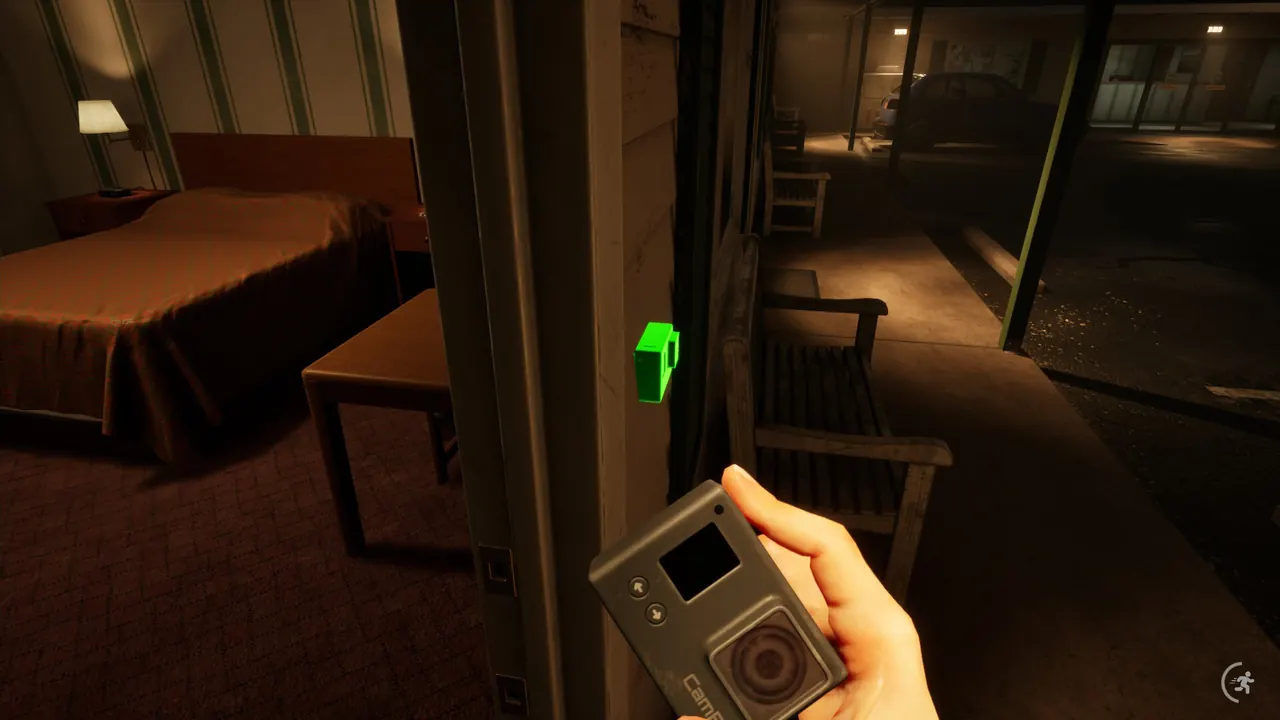
Welcome to the Game III threat survival
Welcome to the Game III has no safe-zone — survival is a choice between stay put, hide, or RUN.
Reflect Studios states that in Welcome to the Game III, psychos of all shapes and sizes have the green light. Awareness decides how you respond when someone reaches your space.
This Welcome to the Game III threat survival stub covers the official decision frame and publicly named threats. It does not invent exact timers, pathing, or undocumented AI.
Pair this page with the Welcome to the Game III audio cues guide and keep a second screen free for the threat timer tool while you play.
Sponsored
Stay put · hide · RUN
Official Welcome to the Game III copy frames survival as three options:
- Stay put — when movement would make you easier to find, hold position and listen.
- Hide — use cover and reduce noise or light when cues say an intrusion is close.
- RUN — break contact when holding or hiding is worse than relocating.
- Never assume a permanent safe room exists in ${GAME_NAME}.
Where to look up threats in Welcome to the Game III
Named threats for Welcome to the Game III (Kidnapper, Patrick / Noir, Tanner, Breather, Wade, Cletus & Tucker) each have a dedicated Threats wiki page. Use those for identity and counters; stay here for the stay put / hide / RUN habit.
Open the roster when you need a full killers list; open a named threat page when you searched for that enemy specifically.
Habits that keep runs alive
In Welcome to the Game III, darknet browsing competes with listening. Pause key hunting the moment cues change, then resume after the space feels clear.
Developer and community posts for Welcome to the Game III cite multiple unique threats (8+ in pre-release notes). Learn one encounter at a time instead of memorizing unverified counters.
On Normal difficulty, checkpoint saving softens mistakes; treat each death in Welcome to the Game III as data for the next attempt.
Related guides
Continue with audio cues, then the full walkthrough pacing notes for Welcome to the Game III.
Recommended tools
Related guides
Details can change after patches. Verify mechanics, threat behavior, and upgrade costs in your Steam build.